

Zoho Learn stands out among LMS platforms for its advanced analytics tools and integration capabilities, making it a strong choice for businesses focused on data-driven training outcomes. Here’s what you need to know:
- Key Features: Zoho Learn offers tools to track learner engagement, course progress, and assessment results. It identifies knowledge gaps, dropout points, and training ROI.
- Integration: Seamlessly connects with Zoho Analytics and other Zoho apps, enabling comprehensive insights by linking learning data with HR, CRM, and financial systems.
- Ease of Use: User-friendly dashboards with drag-and-drop functionality and AI-powered Ask Zia simplify data analysis for non-technical users.
- U.S.-Specific Design: Formats data to match U.S. standards, ensuring compliance and accessibility across distributed teams.
- Security Concerns: On-premise deployments may face vulnerabilities, but regular updates address these issues.
Quick Comparison
| Feature | Zoho Learn | Other LMS Platforms |
|---|---|---|
| Analytics Depth | Advanced tools with AI and predictive models | Basic reporting on progress and completion |
| Integration | Seamless with Zoho ecosystem | Often requires manual setup or external tools |
| Ease of Use | Drag-and-drop, AI queries | Varies, often less intuitive |
| Security | Cloud secure; on-premise needs updates | Depends on platform |
Zoho Learn excels in providing actionable insights and simplifying training analytics, but businesses should weigh their specific needs, especially regarding security and deployment options.
Zoho Learn Analytics Features
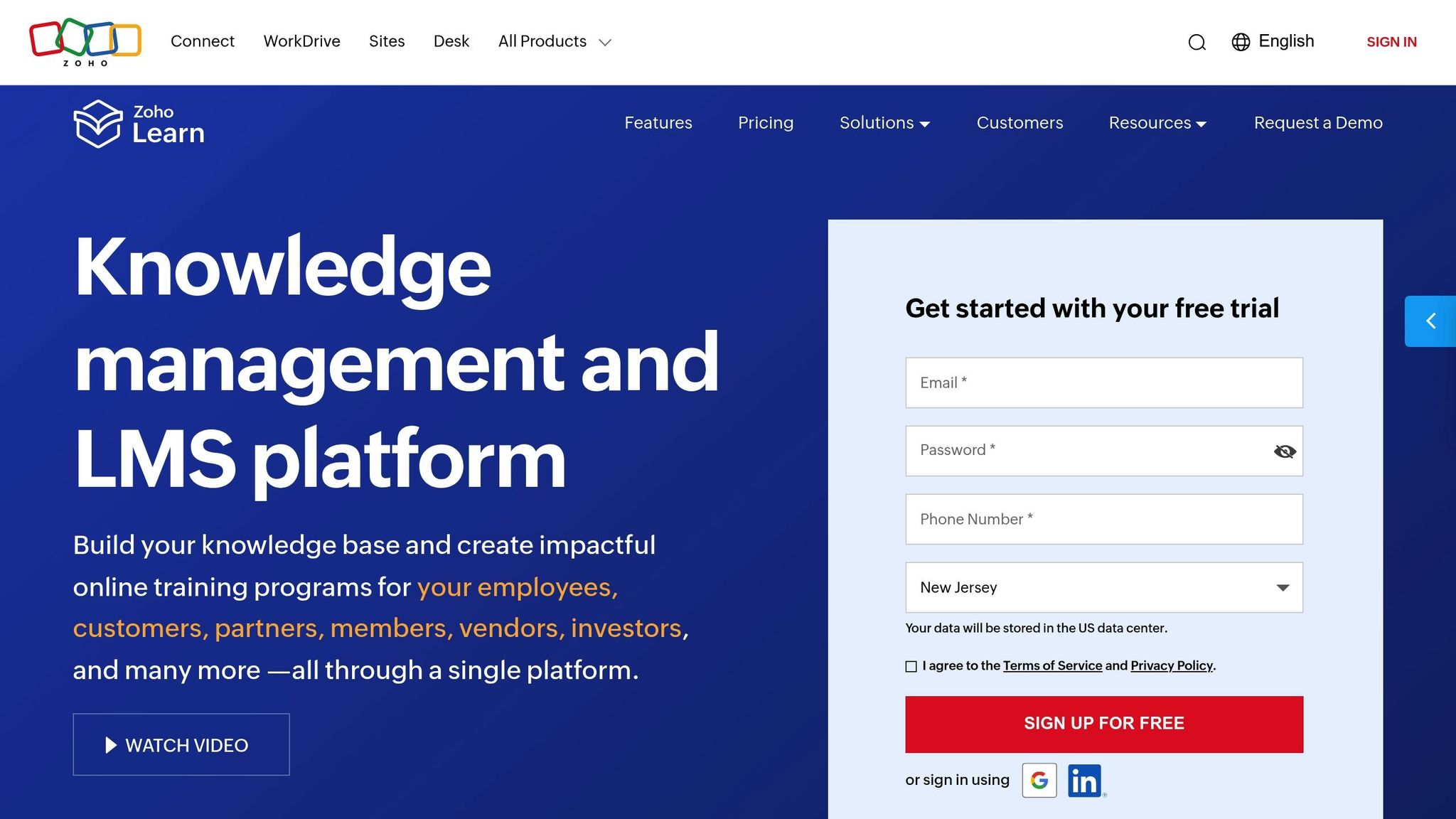
Zoho Learn equips U.S. small and medium businesses with a range of analytics tools designed to turn learning data into meaningful insights. These insights help organizations fine-tune their training programs and clearly highlight the impact of their training investments.
Main Analytics Tools in Zoho Learn
The analytics dashboard in Zoho Learn gives training managers the ability to track key metrics like learner engagement, module progress, assessment results, and course completion trends. By analyzing these metrics, organizations can identify which content resonates with their teams and pinpoint areas where learners might need additional support.
For instance, the platform’s tools for assessment analysis allow instructors to dive into quiz results and uncover common challenges learners face, making it easier to adjust content where necessary. Additionally, Zoho Learn monitors course completion patterns and identifies dropout points, offering a clear view of the training pipeline – especially crucial for industries with strict compliance requirements.
The dashboards are built with simplicity in mind, featuring a drag-and-drop interface that lets even non-technical users create custom reports and visualizations. Whether it’s tracking certification progress or monitoring compliance with safety training, these tools can be tailored to meet specific organizational needs. Plus, they integrate effortlessly with other Zoho applications, enhancing their utility.
Integration with the Zoho Ecosystem
Zoho Learn connects seamlessly with Zoho Analytics, a business intelligence platform trusted by thousands of customers. By integrating with Zoho Analytics and other apps like Zoho CRM, learning data becomes part of a larger business intelligence framework. This integration enables teams like HR and sales to link training outcomes with performance metrics, breaking down data silos and offering a complete view of employee development.
"Zoho Analytics integration is very smooth. I found no hindrance while integrating other apps with Zoho Analytics", says Greg Szabo, Co-founder and Operations Manager at Package Mate.
Zoho Analytics also allows organizations to blend learning data with information from HR, project management, and financial systems. With over 50 visualization options, it presents insights in formats tailored to different audiences. The platform’s conversational AI, Ask Zia, simplifies analytics by letting managers query data in plain language and receive instant visual representations.
Usability and Accessibility
Zoho Learn emphasizes ease of use with an interface designed for everyone – from HR managers to executives. Its mobile apps ensure that analytics remain accessible, whether in the office or on the go, catering to the needs of today’s distributed workforces.
"With Zoho Analytics, the ability to visualize things became easy. Most of my managers now use Zoho dashboards and quickly create reports themselves. Its intuitive drag-and-drop filters and drill-down options enhance usability", shares Daniel Franey, Director & Shareholder at Courier Logistics Limited.
The dashboards are tailored for U.S. users, displaying dates in MM/DD/YYYY format, using dollar signs for monetary values, and applying appropriate comma separators for numbers. Role-based access controls ensure sensitive data is shared securely – HR managers can access individual performance details, while department heads see aggregated insights.
With 91% of surveyed users recommending Zoho Analytics and 79% expressing satisfaction with its performance, these features provide accessible, powerful tools to improve training outcomes and drive organizational success.
Comparison: Zoho Learn vs Other LMS Platforms
Zoho Learn’s analytics capabilities stand out when compared to other LMS platforms. While most systems provide basic reporting on learner progress and course completion, Zoho Learn takes it a step further with its integration into the Zoho ecosystem and its AI-powered tools. Let’s dive into how it measures up against its competitors.
Core Analytics Features Across Platforms
Most LMS platforms offer standard reporting, but they often rely on manual data consolidation or require external integrations to get the full picture. Zoho Learn, however, eliminates these hurdles by seamlessly blending data across various Zoho applications. This integration saves time, reduces errors, and delivers detailed insights without the need for complicated setups or manual input.
Advanced Analytics Capabilities
Zoho Learn goes beyond the basics by integrating with Zoho Analytics, an AI-driven platform that turns raw data into actionable insights. Here’s what makes it stand out:
- Predictive Analytics and Forecasting: It uses univariate and multivariate models to help training managers anticipate future needs.
- AutoML for Custom Models: Managers can create machine learning models without any coding knowledge, making advanced analytics accessible to all.
- Anomaly Detection: The system identifies unusual trends in learning data and sends real-time alerts.
- What-If Analysis: Managers can simulate different training scenarios to determine the best possible outcomes.
"Zoho Analytics’ ability to integrate and blend data from multiple sources and create deep valuable insights out of it is the key. Once you sync the data and build reports there is no necessity to go back and refeed the data into it. It does it automatically", explains Jessica Eddowes, VP of Digital Marketing & Ecommerce at Lice Clinics of America.
"Zoho Analytics gives us an instant snapshot of our sales performance and also helps us understand customer-preferred brands, market trends, seasonal trends, and sudden order spikes", notes Oliver Hope, CFO at NetXL and Yay.com.
These features not only provide strategic insights but also streamline the user experience, making analytics more approachable for everyone.
Ease of Use for U.S. Organizations
For organizations in the U.S., ease of use is just as important as advanced functionality. Zoho Learn offers a user-friendly, drag-and-drop interface that simplifies report creation, even for those without technical expertise. The platform automatically formats data according to U.S. standards, ensuring consistency and compliance. Role-based controls protect sensitive information, aligning with U.S. privacy regulations. Additionally, the Ask Zia conversational AI feature allows users to query data in plain English, making it faster and easier to access actionable insights.
With its combination of powerful analytics and an intuitive interface, Zoho Learn has earned high praise from users, particularly among U.S. organizations looking for a balance of sophistication and simplicity.
Strengths and Limitations of Zoho Learn Analytics
Strengths of Zoho Learn Analytics
Zoho Learn offers several analytics advantages that make it a practical choice for U.S. businesses. One standout feature is its integration within the Zoho ecosystem, which allows companies to pull data from multiple sources without needing complicated setup processes. This makes it easier to centralize information and analyze it effectively.
The platform’s intuitive interface is another key benefit. Managers can generate meaningful reports without requiring advanced technical skills, cutting down on the need for IT support. This user-friendly design enables training administrators to focus on strategy rather than getting bogged down by technical obstacles.
A major strength is its smooth data integration. Greg Szabo, Co-founder and Operations Manager at Package Mate, highlights this advantage:
"Zoho Analytics integration is very smooth. I found no hindrance while integrating other apps with Zoho Analytics."
This seamless integration automates the process of merging data, eliminating the need for manual work and enabling comprehensive analysis across different business areas.
The platform also scores high in user satisfaction. Surveys show that 91% of users would recommend Zoho Analytics, while 79% report overall satisfaction. These figures are based on feedback from over 20,000 businesses and 3 million users who have collectively created more than 75 million reports.
Another standout feature is the AI-powered Ask Zia conversational interface, which lets users query data in plain English. This makes advanced analytics accessible even to non-technical team members, empowering more people across an organization to make data-driven decisions. Despite these strengths, some security concerns in on-premise deployments should not be overlooked.
Potential Limitations
While Zoho Learn Analytics has many strengths, there are some limitations that U.S. businesses should weigh carefully – particularly when it comes to on-premise deployments. Security issues in these environments remain a notable concern for organizations managing sensitive training data.
Recent evaluations have uncovered high-severity security vulnerabilities in on-premise installations. For instance, CVE-2024-52323 exposed sensitive tokens tied to org-admin accounts, creating risks of unauthorized privilege escalation. Similarly, CVE-2025-1724 allowed unauthorized access to authenticated Active Directory user accounts, putting user data at risk.
| Vulnerability | Severity | Impact | Fixed Version |
|---|---|---|---|
| CVE-2024-9100 | Medium | Local File Inclusion allowing file access | Build 5410 |
| CVE-2024-52323 | High | Sensitive token exposure and privilege escalation | Build 6100 |
| CVE-2025-1724 | High | Unauthorized access to AD user accounts | Build 6130 |
These vulnerabilities are particularly relevant for organizations opting for on-premise setups, which are often chosen to meet compliance and data sovereignty requirements. While Zoho has addressed these issues in updated builds, businesses must stay proactive by applying patches and updates promptly to safeguard their systems.
sbb-itb-058cafb
Choosing the Right LMS Analytics Solution
Key Considerations for U.S. Businesses
Selecting the right LMS analytics solution starts with understanding your organization’s training needs and long-term goals. A platform should not only align with your business objectives but also integrate seamlessly with your existing systems.
Begin by defining your training objectives. What outcomes are you aiming for? Whether it’s improving employee performance or tracking compliance, having clear goals helps you identify platforms with the right analytics features. Also, think about scalability. A solution that works well for 50 employees might struggle with 5,000. It’s crucial to choose a system that can grow alongside your business.
Integration capabilities are another critical factor. Joe Reale, CEO of Surplus Solutions, highlights this:
"When we were comparing LMS platforms, the most important criteria to us were the integration capabilities and ease of use. We wanted a system that would be easy to use for both administrators and employees, and that would not require extensive training to operate."
Look for platforms that work effortlessly with tools like your HR software, CRM, or analytics systems. This reduces the need for manual data entry and helps avoid information silos, saving both time and resources.
The user experience of the platform is equally important, especially when dealing with analytics. A poor interface or slow performance can derail even the best systems. Gauri Manglik, CEO and Co-Founder of Instrumentl, shares her experience:
"I tested an LMS that looked good on paper but was slow to load materials. A smooth user experience is foundational."
To make comparisons easier, create a features comparison chart. Focus on analytics essentials like customizable reports, real-time data access, data visualization tools, automated reporting, and drill-down capabilities. These features directly influence how effectively you can measure and improve training outcomes.
For U.S. businesses, compliance and accessibility are key. Ensure your chosen platform meets WCAG 2.1 or 2.2 standards for accessibility. If your workforce includes non-native English speakers, consider multilingual support and mobile access as must-have features.
Lastly, think about security. Whether you choose a cloud-based or on-premise solution, ensure it aligns with your organization’s security requirements. If you opt for on-premise deployment, assess whether your IT team can handle updates and patches effectively.
Before making a final decision, request demos and involve your team in testing. Demos provide insights into usability that technical specs alone can’t reveal. By engaging stakeholders in the evaluation process, you can ensure the platform meets everyone’s needs.
How AorBorC Technologies Can Help
Meeting these requirements often calls for expert guidance, and that’s where AorBorC Technologies comes in. Specializing in Zoho-based solutions, the company helps businesses enhance Zoho Learn analytics through seamless integration and tailored customizations.
Their approach combines Zoho CRM customization, Zoho Creator application development, and Zoho One implementation, creating a unified analytics environment. This setup allows businesses to track the impact of training programs on areas like customer service, sales performance, and overall outcomes. With custom dashboards, organizations can generate reports tailored to their specific needs, connecting learning analytics directly to broader business goals.
AorBorC Technologies ensures Zoho Learn analytics integrate smoothly with other Zoho applications, eliminating data silos. This unified system provides deeper insights by linking employee development data with CRM and other business metrics.
The company also offers ongoing support and connects businesses with specialized Zoho Partners when needed. This ensures organizations have access to expert advice at every stage, from initial implementation to advanced optimization.
For businesses looking to tie training data to operational insights, AorBorC’s experience with ERP implementation is invaluable. They help integrate learning analytics with operational data, enabling businesses to see how training impacts productivity, quality, and efficiency.
If security is a concern, AorBorC Technologies can guide you through secure implementation practices, whether you’re using cloud-based or on-premise systems. Their expertise ensures your LMS analytics are both effective and secure, giving you peace of mind as you scale your training programs.
Conclusion
Zoho Learn’s analytics tools provide an accessible and effective solution for U.S. businesses seeking to streamline their learning management processes. With its intuitive drag-and-drop interface, even non-technical users can navigate the platform with ease. Plus, its seamless integration with existing systems ensures that businesses can adopt it without major disruptions. The platform’s global reach speaks volumes about its adaptability for a wide range of needs.
One standout feature is Zia, the AI-powered assistant, which allows users to interact with data using natural language queries. This means users can get instant insights – both visual and textual – without needing advanced analytics skills. Combined with collaborative tools and role-based access controls, Zoho Learn makes data more accessible across teams. It’s no surprise that 91% of surveyed users recommend the platform.
Compared to other LMS platforms, Zoho Learn shines in its ability to integrate within a broader ecosystem and its user-friendly design. However, the best choice always depends on your organization’s specific requirements. Many users highlight how easy it is to create reports and visualizations, empowering managers to generate actionable insights without external help.
For U.S. businesses exploring LMS analytics, prioritize solutions that offer customization, powerful integrations, and advanced features that work seamlessly with systems like HR and CRM. Breaking down data silos is key to efficient operations. Also, consider scalability, security, and deployment options. Partnering with experts can help you tailor the platform to your unique needs.
AorBorC Technologies specializes in helping businesses unlock the full potential of Zoho Learn. Whether it’s custom Zoho CRM configurations, Zoho Creator app development, or implementing Zoho One, their expertise ensures your analytics tools align with your broader goals. They can also optimize existing setups to enhance performance and foster data-driven decision-making.
Success starts with defining clear learning goals, involving key stakeholders in the evaluation process, and choosing a partner who understands both the technical and strategic sides of your business. With the right approach, your organization can elevate its training outcomes and achieve meaningful results.
FAQs
How does integrating Zoho Learn with Zoho Analytics improve business reporting and insights?
Integrating Zoho Learn with Zoho Analytics gives businesses access to real-time insights, making it easier to monitor and assess the performance of their learning initiatives. This connection allows users to build custom reports and design interactive dashboards, simplifying the process of tracking important metrics and spotting trends.
By leveraging these tools, companies can refine their training programs to better align with their goals, improving both usability and decision-making based on data.
What security measures should businesses take for Zoho Learn’s on-premise deployments?
To keep Zoho Learn on-premise deployments secure, it’s crucial to apply strong access controls, enable multi-factor authentication, and use AES-256 encryption for data protection. Conducting regular security audits and implementing secure digital certificates are also key steps. On top of that, ensuring the physical safety of your servers and adhering to Zoho’s recommended security practices will provide an added layer of protection for your data.
How does Zoho Learn’s AI tool, Ask Zia, simplify training data analysis for non-technical users?
Zoho Learn’s AI-driven tool, Ask Zia, simplifies the process of analyzing training data. With natural language queries, users can quickly create reports, spot trends, and uncover actionable insights – no technical expertise required.
This user-friendly method ensures that everyone, regardless of their tech skills, can access and interpret essential learning metrics. The result? Smarter decisions and better training outcomes.