
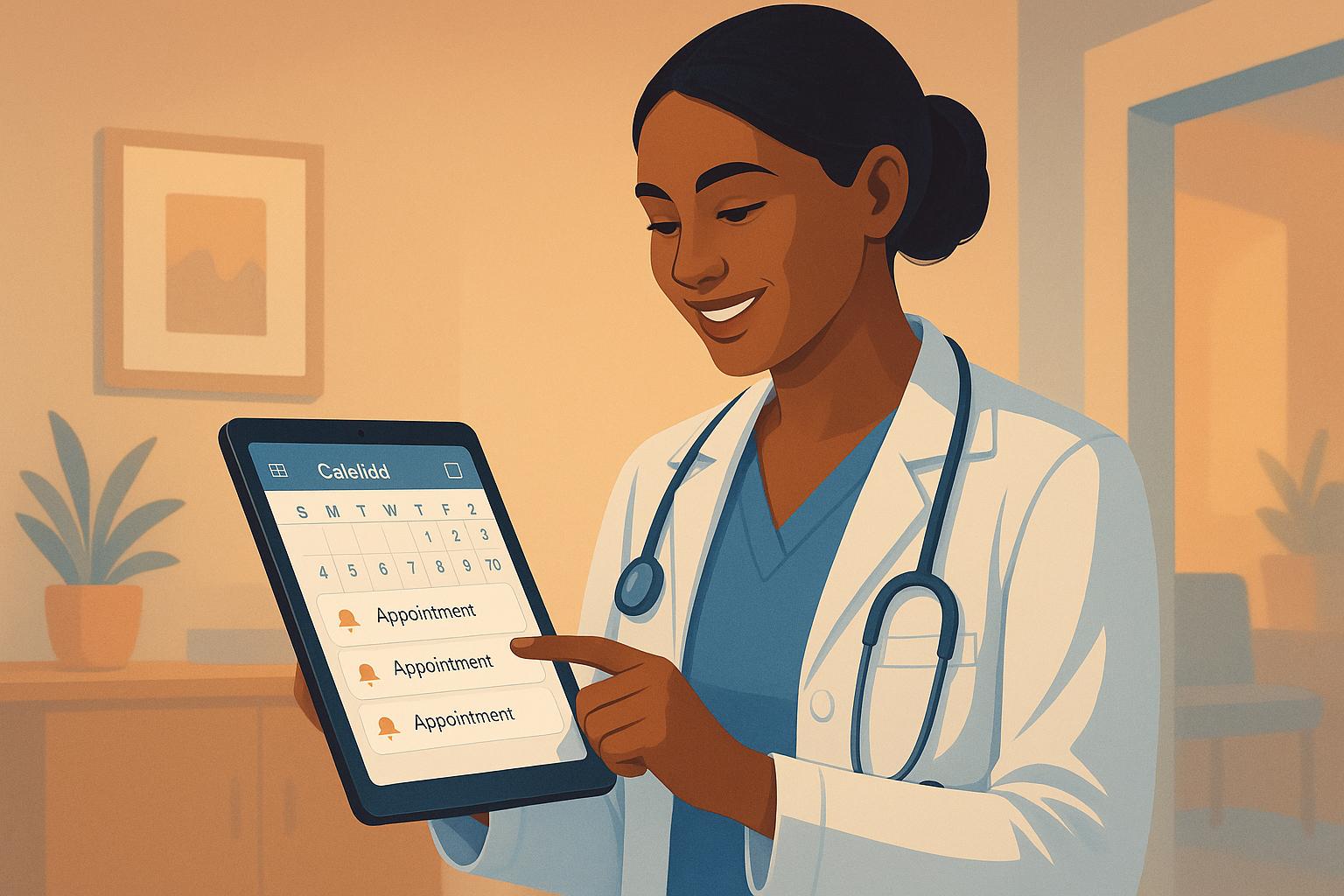
Automated appointment reminders can help healthcare providers reduce missed appointments, improve patient communication, and simplify scheduling. Zoho CRM, Salesforce Health Cloud, and HubSpot CRM offer tools to manage reminders effectively, each catering to different needs and budgets.
- Zoho CRM: Affordable and integrates with Zoho Bookings, offering email, SMS, and WhatsApp reminders. Supports calendar sync and customization but has limited third-party integrations.
- Salesforce Health Cloud: Best for large organizations, with robust reminder tools through Amazon Pinpoint. High cost and complexity may deter smaller practices.
- HubSpot CRM: User-friendly and includes a patient portal for self-scheduling. Lacks healthcare-specific features and advanced reporting.
Quick Comparison
| CRM Platform | Best For | Reminder Channels | Key Features | Drawbacks |
|---|---|---|---|---|
| Zoho CRM | Small to mid-sized practices | Email, SMS, WhatsApp, chatbots | Calendar sync, customizable templates | Limited third-party integrations |
| Salesforce Health Cloud | Large organizations | Push notifications, SMS, voice calls | HIPAA compliance, AI-driven insights | High cost, complex setup |
| HubSpot CRM | General use, quick setup | Email, SMS | Patient portal, self-scheduling | Few healthcare-specific tools |
Zoho CRM is ideal for practices seeking a balance of cost and functionality. Salesforce suits larger setups, while HubSpot is great for user-friendly tools but may fall short for specialized healthcare needs.
1. Zoho CRM
Zoho CRM offers a practical solution for healthcare providers aiming to minimize no-shows by streamlining appointment management.
Reminder Channels
Zoho CRM makes it easy for healthcare practices to connect with patients through various communication channels, ensuring reminders are both sent and acknowledged. The platform supports automated reminders via WhatsApp, email, SMS, and chatbots, making it simple to confirm appointments, send reminders, and follow up. Practices can set up to three automated reminders – via email, SMS, or calls – before an appointment. The timing of these reminders is fully customizable to fit the needs of the practice. For added convenience, patients can also opt to receive reminders through automated phone calls, depending on their preferences.
This flexibility allows practices to deliver reminders in a way that feels personal and convenient for each patient.
Customization Options
Zoho CRM’s template system empowers healthcare providers to craft personalized reminder messages that match their practice’s style and include essential details. Templates can be tailored for different appointment types, incorporating dynamic fields like patient names, appointment times, and specific instructions. Beyond reminders, the platform supports branding customization and enables providers to design custom workflows, automating patient interactions throughout their care journey.
Calendar Integration
Keeping schedules in sync is critical for smooth operations, and Zoho CRM excels here with two-way synchronization for major calendars like Google, Outlook, and Apple. Its integration with Zoho Calendar ensures that staff can manage CRM events seamlessly from either platform, with real-time updates. For practices offering video consultations, Zoho CRM integrates with popular video platforms, automatically adding meeting links to appointment confirmations and reminders. Additionally, it supports Calendly integration, helping to prevent double bookings by syncing availability across platforms.
2. Salesforce Health Cloud
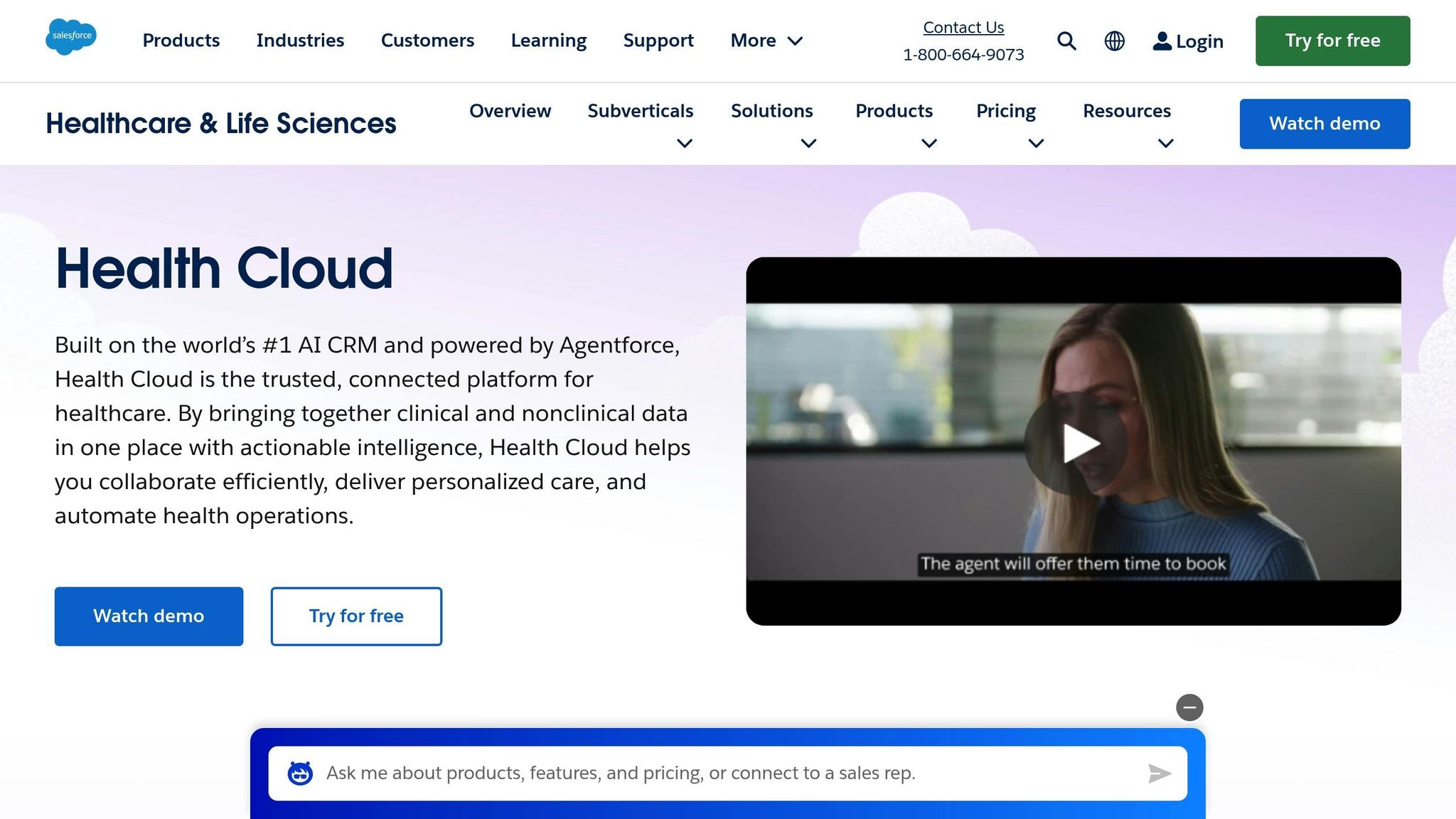
Salesforce Health Cloud works hand-in-hand with Amazon Pinpoint to deliver automated appointment reminders. Similar to Zoho CRM, it uses automation to enhance how patients stay connected and engaged.
Reminder Channels
With Amazon Pinpoint, Salesforce Health Cloud offers a wide range of reminder options. These include push notifications, in-app alerts, emails, SMS, voice calls, and even custom channels. This flexibility ensures patients get reminders through the channels they prefer most.
Customization Options
This integration also provides complete control over how reminders are crafted and sent. You can tailor message content, adjust delivery frequency, and use branded templates to maintain a consistent look and feel.
3. HubSpot CRM for Healthcare
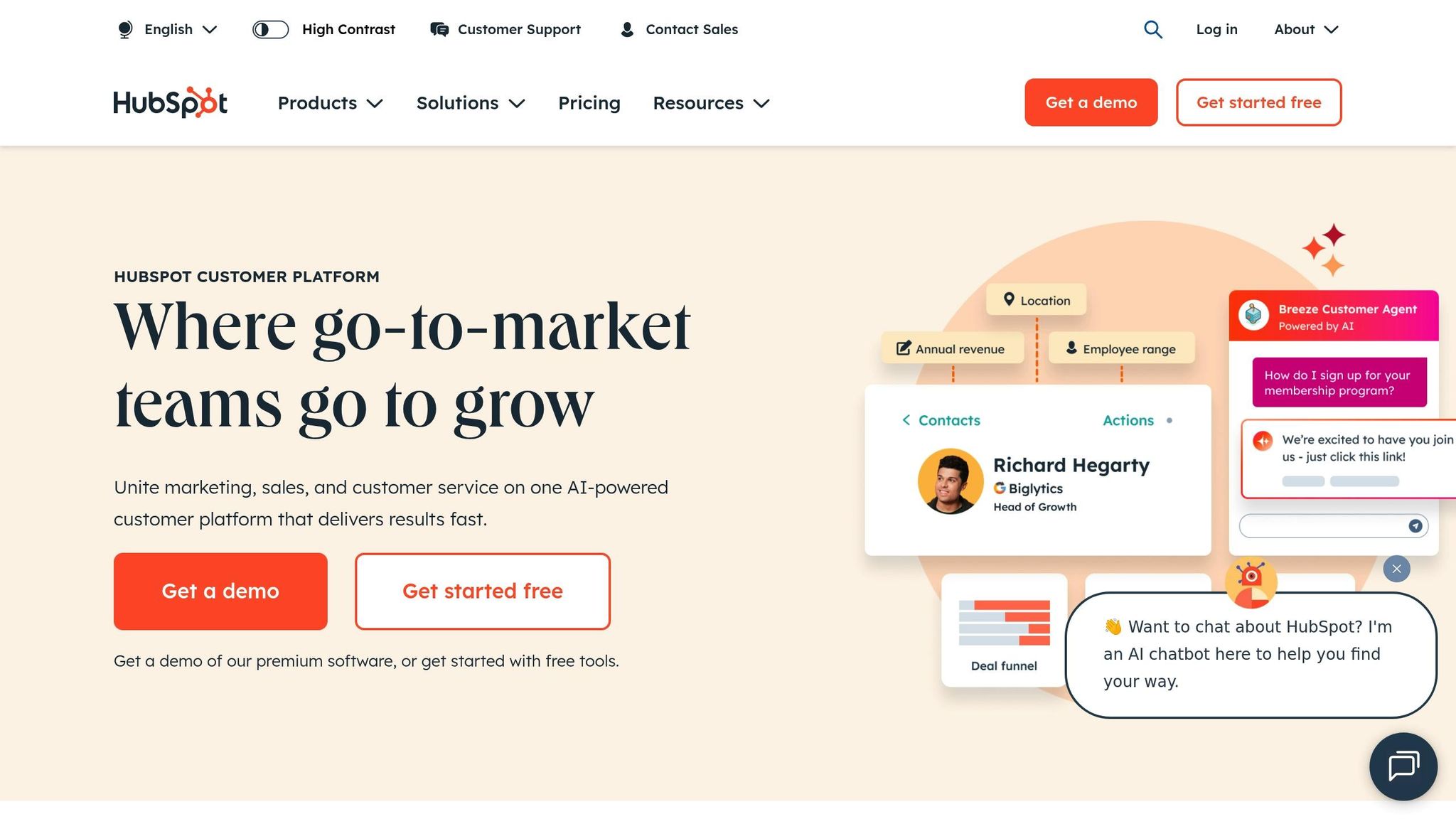
HubSpot CRM for Healthcare simplifies the process of sending automated appointment reminders, combining scheduling tools with powerful automation features designed to meet the needs of healthcare providers.
Reminder Channels
HubSpot automates appointment confirmations and reminders through SMS and email, reducing the need for manual staff involvement. This helps cut down on no-shows and makes it easier for patients to cancel appointments in a timely manner. The system sends these notifications automatically, ensuring patients are consistently informed about their upcoming visits.
Patients can choose their preferred communication channel, whether it’s text or email, and the platform handles both confirmation requests and reminders. This dual functionality not only keeps patients in the loop but also provides healthcare practices with essential confirmation data to improve schedule management. These automated messages create a smoother and more personalized patient experience.
Customization Options
Healthcare providers can customize HubSpot to align reminders with their specific needs, even linking appointments to billing systems. This integration helps unify scheduling and payment processes for a more cohesive workflow.
The platform also features Playbooks, which guide staff through telehealth scheduling using interactive patient contact cards. This is especially helpful for practices offering virtual consultations, as it ensures consistency across different types of appointments.
One standout feature is the Custom Appointment Scheduling CRM Card, which integrates directly into patient records. This allows staff to book appointments for patients over the phone without toggling between multiple systems, saving time and reducing errors.
Calendar Integration
HubSpot’s calendar tools prioritize both patient independence and staff efficiency. Through a patient portal built on HubSpot CMS, individuals can book, reschedule, or cancel their appointments 24/7. This self-service option reduces call volumes and gives patients greater control over their schedules.
For healthcare teams, the Sales Hub’s Appointment Scheduling feature connects directly with patient records, automating tasks like organizing appointment schedules. This frees up staff to focus on patient care rather than administrative work.
The platform also tracks the entire appointment lifecycle with a deal pipeline view, covering everything from initial booking and confirmation to insurance claims and billing. Additionally, workflow extensions allow actions to be triggered in third-party systems, making it easy to integrate HubSpot CRM with existing healthcare technologies.
Analytics and Reporting
HubSpot goes beyond scheduling by providing detailed analytics that track patient engagement and healthcare outcomes. These dashboards offer insights that help practices refine their appointment reminder strategies.
For example, the reporting tools can reveal patterns like the best times to send reminders or the communication channels that receive the highest response rates. By analyzing this data, healthcare providers can enhance their appointment management processes and reduce no-shows, ultimately saving time and resources.
sbb-itb-058cafb
Advantages and Disadvantages
Choosing the right CRM platform for automated appointment reminders in healthcare means weighing the pros and cons of each option. Here’s a closer look at what Zoho CRM, Salesforce Health Cloud, and HubSpot CRM bring to the table:
| CRM Platform | Advantages | Disadvantages |
|---|---|---|
| Zoho CRM | • Easy-to-use workflow automation with a drag-and-drop interface • Affordable pricing • Seamless integration within the Zoho ecosystem • Flexible reminder templates for various appointment types • Mobile app for on-the-go management |
• Limited third-party integrations compared to enterprise-grade platforms • Advanced customizations might need technical skills • Email deliverability could be improved • Reporting features are less robust for healthcare-specific needs |
| Salesforce Health Cloud | • Top-notch security with HIPAA compliance • AI-driven insights for better decision-making • Access to an extensive app marketplace • Scalable design for larger organizations • Comprehensive patient profiles for a 360-degree view |
• High implementation costs • Complicated setup requiring specialized expertise • Steep learning curve for non-technical users • May be overly complex for smaller practices • Maintenance often requires dedicated IT resources |
| HubSpot CRM for Healthcare | • Free tier with basic reminder tools • User-friendly interface for easy adoption • Strong marketing automation capabilities • Patient portal for self-scheduling • Reliable customer support and detailed documentation |
• Lacks built-in healthcare-specific features • Advanced features are locked behind paid tiers • SMS reminders may come with extra costs • Reporting for clinical workflows is less advanced • Integration with specialized medical software can be tricky |
When deciding, it’s essential to consider not just the features but also factors like scalability, setup complexity, cost, and integration capabilities.
For smaller or mid-sized practices, Zoho CRM offers an affordable option with straightforward setup, though it might require extra effort for advanced configurations. On the other hand, Salesforce Health Cloud is built for larger organizations, providing robust functionality but at a much higher cost and with a need for significant customization. Meanwhile, HubSpot CRM strikes a middle ground, offering quick deployment and user-friendly tools, though it may lack some healthcare-specific features.
Integration capabilities are another critical factor. Salesforce Health Cloud excels in connecting with major electronic health record systems, making it a strong choice for practices heavily reliant on EHRs. Zoho CRM works well with popular practice management software, while HubSpot CRM focuses more on general business tool integrations, which might not fully meet the needs of specialized healthcare providers.
Ultimately, selecting the right CRM platform depends on aligning its strengths with your practice’s size, technical expertise, budget, and long-term goals. By carefully evaluating these factors, healthcare providers can ensure their chosen solution meets both current and future needs.
Conclusion
After reviewing the automated appointment reminder features of these three CRM platforms, Zoho CRM stands out as the most well-rounded option for healthcare providers looking for dependable and cost-effective automation without unnecessary complexity.
Salesforce Health Cloud offers enterprise-level capabilities but is better suited for large organizations, while HubSpot CRM provides ease of use but lacks features tailored to the healthcare industry. This makes Zoho CRM an excellent choice for practices that need a balance of simplicity and robust automation.
Zoho CRM hits the sweet spot by offering affordable and comprehensive tools that help reduce no-shows and streamline patient communication. Its transparent pricing structure avoids unexpected costs, which is a major advantage for growing practices aiming to manage their budgets effectively.
When choosing a CRM for automated appointment reminders, healthcare providers should focus on platforms that combine functionality with ease of use. Zoho CRM delivers on both fronts, providing the automation needed to cut down on missed appointments while remaining simple enough for busy practices to adopt and manage smoothly.
For those ready to implement this solution, working with experienced Zoho partners like AorBorC Technologies can ensure the system is set up to align with healthcare workflows. This approach helps practices fully leverage the platform’s reminder features while staying compliant with industry regulations.
FAQs
How does Zoho CRM help healthcare practices reduce missed appointments?
Zoho CRM makes it easier for healthcare practices to manage appointments by sending automated reminders to patients through SMS and email. These reminders notify patients ahead of time about their scheduled visits, significantly cutting down on missed appointments.
With this automation in place, healthcare providers can see improved patient attendance, fewer last-minute cancellations, and smoother day-to-day operations. This steady flow not only keeps things running efficiently but also contributes to more consistent revenue for the practice.
How can appointment reminders in Zoho CRM be customized to meet the specific needs of a healthcare practice?
Zoho CRM offers flexible tools for customizing appointment reminders, allowing you to fine-tune them to fit your practice’s specific needs. You can choose when reminders go out – whether it’s 15 minutes, a few hours, or even days before an appointment. Plus, each reminder can be personalized for individual events, ensuring they align perfectly with your scheduling preferences.
On top of that, Zoho Bookings provides automated workflows for notifications and reminders. You can adjust the content, timing, and delivery method – whether through email or SMS – so patients receive clear, timely updates. These features not only improve communication but also help reduce no-shows, boosting efficiency for healthcare practices.
How does Zoho CRM integrate with healthcare tools to improve appointment scheduling and reminders?
Zoho CRM works effortlessly with healthcare management tools to simplify appointment scheduling and reminders. With features like automated SMS and email reminders, calendar synchronization, and follow-up automation, it helps minimize no-shows and keeps communication with patients on track. These tools make scheduling, rescheduling, and cancellations quicker and easier for both providers and patients.
On top of that, Zoho Bookings adds value with smart customization options, two-way calendar syncing, and automated notifications, ensuring patients stay informed about their appointments. Together, these features create a more seamless scheduling process, enhance patient engagement, and help healthcare providers run their operations more smoothly.